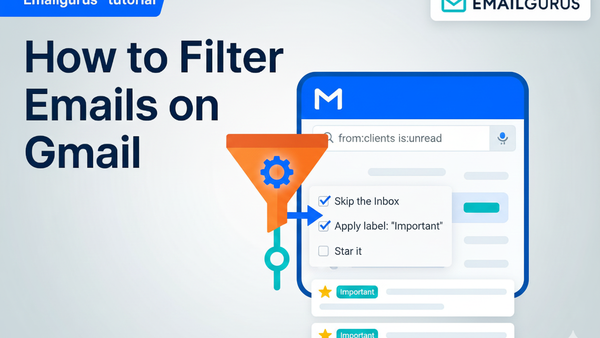
How Can I Filter Emails in Gmail? The Basics
Gmail basics are easy to understand and easier to master, offering powerful tools that let you automatically sort, label, archive, or even delete emails based on specific criteria. This guide …
Intel
Strategic briefings, operational updates, and intelligence on inbox security.
Gmail basics are easy to understand and easier to master, offering powerful tools that let you automatically sort, label, archive, or even delete emails based on specific criteria. This guide …
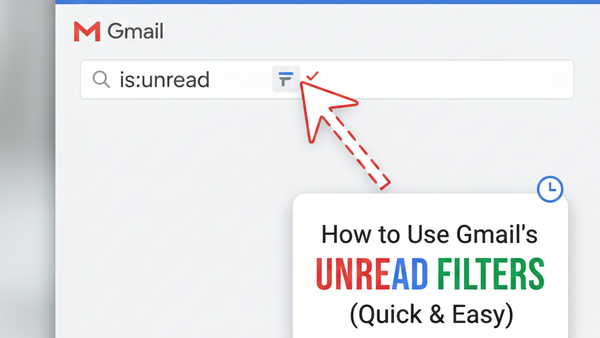
In this quick setup guide, you’ll learn how to create a Gmail unread filter step-by-step, a setup that will make day-to-day email management a whole lot easier, saving you time …
It might be hard to keep up with your emails when your inbox is full of them, from websites you don't remember signing up for, old newsletters alongside urgent work …
 Aymane S.
Set up Gmail filters in ~15 minutes so low-value mail auto-sorts itself and only the messages you care about stay visible.
Read more
Aymane S.
In an era where every ping can disturb our flow, the sheer volume of emails and their subsequent distractions are costing businesses billions, while mentally draining their workforce. This analysis unravels the hidden costs of email distractions and
Read more
Aymane S.
Email overload in 2024 isn’t a “productivity problem.” It’s a measurable cost center—paid in payroll hours, lost output, and rising stress. The numbers show a widening gap between how much email we receive and how little of it we can actually process
Read more
Aymane S.
Spam filters guess what’s bad. Allowlists define what’s allowed. This single inversion changes false positives, security, and time cost.
Read more
Aymane S.
Workers check email ~77 times/day—about 1.5 hours daily. That “tiny habit” becomes a multi‑million‑dollar tax at scale.
Read more
Aymane S.
Most people aren’t searching for “email filtering” because they love organization. They’re reacting to a broken default: the open inbox. Unknown senders can reach you instantly, your attention becomes the product, and you’re forced to triage interrup
Read more
Aymane S.
Archive emails in Gmail without losing them, then find and restore them fast. Takes 5–15 minutes depending on setup.
Read more
Aymane S.
Email overload isn’t just a nuisance; it’s a productivity black hole costing executives precious hours. To reclaim your time, you must overhaul how emails enter and interact with your workflow. Forget old methods and embrace a strict allow-list parad
Read more
Aymane S.
Inbox Zero in 2026 is not “clear every message.” It’s **designing an inbox that can’t be invaded**. The only version that scales is: **important people and systems get in by default, everyone else goes to a holding pen**. That shift removes the daily
Read more
Aymane S.
Most email tips fail because they add complexity. Real productivity comes from screening senders first and letting only trusted people reach you.
Read more