
1. The shocking stat
“Employees check their email an average of 77 times per day.” (Forbes citing research, 2024)
That number sounds like a personal productivity quirk—until you price it at the company level.
If a knowledge worker checks email 77 times/day, they’re not just reading messages. They’re repeatedly switching attention states, re‑orienting to tasks, and carrying an “open loop” in their head (reply later, follow up, who was that?). The inbox becomes a metronome for fragmented work.
Email checking: ~77 times/day and roughly ~1.5 hours/day spent on email (Forbes, 2024).
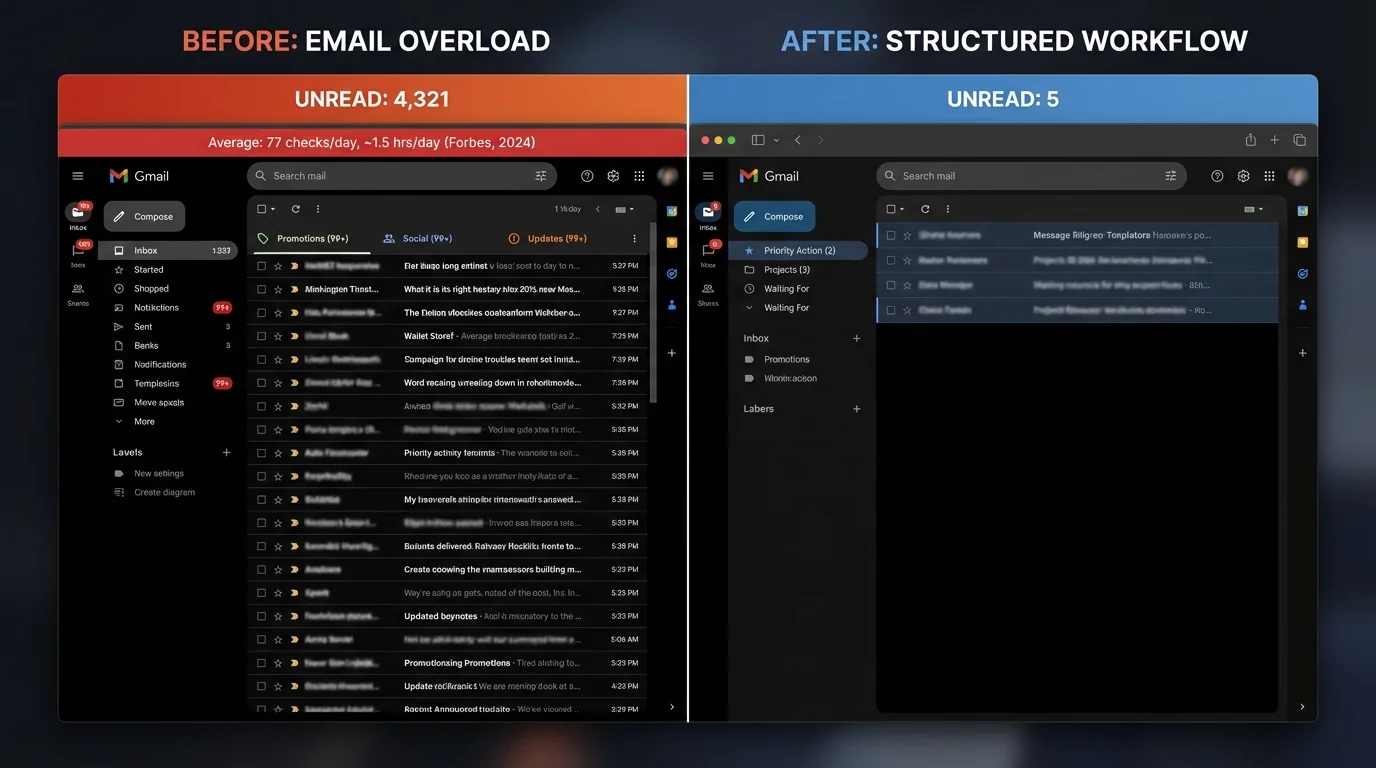
The more important takeaway isn’t that email exists—it’s that the open inbox is now a default permission system for interruption. Anyone can land work on your desk, anytime.
2. How we got here
Email overload isn’t happening in isolation. It’s part of a broader “always-on” communications stack where email + chat + meetings create a continuous demand stream.
The infinite workday is measurable
Microsoft’s work patterns and reporting around after-hours work show boundary erosion—work spreads into the evening, and communication fills the gaps.
Evening meetings rose ~16% YoY, a marker of the “infinite workday” (Microsoft Work Trend reporting referenced in 2024–2025 coverage).
And the load is not shifting away from email—digital messaging is rising too.
Teams messages increased ~6% YoY by 2025 (Microsoft trend reporting referenced in coverage).
Volume is rising while control is falling
Multiple sources converge on a simple reality: the average worker is dealing with well over 100 inbound emails/day.
Average inbound email volume is reported around 117–121 emails/day in aggregated reporting (Microsoft/CloudHQ referenced in compiled sources).
When volume rises, companies often reach for what they already have: spam filters, priority tabs, “focused inboxes,” and more rules.
But that approach assumes the problem is classification (“is this good or bad?”).
The data suggests the problem is permission (“should this sender be allowed to interrupt at all?”).
Three accelerants made it worse
- Remote and hybrid work: coordination shifts to written communication, especially asynchronous updates.
- Subscription creep: vendors, webinars, tools, communities, and “product updates” quietly become daily inflow.
- Automation: outbound automation lowered the cost of sending, so everyone sends more (sales sequences, nurture flows, notifications).
The result: the inbox became an intake pipe for other people’s processes.
3. The real cost
The costs of email overload land in three buckets executives actually feel:
1) Time (lost hours)
2) Money (salary burn + opportunity cost)
3) Mental health and performance (stress, burnout, reduced deep work)
Time cost
Time is the easiest cost to underestimate because it hides in minutes.
McKinsey’s widely cited estimate puts email at a major share of the knowledge work week.
~28% of the workweek on email—about ~11 hours/week for many knowledge workers (McKinsey, cited via Forbes/HBR-style summaries, 2024).
Other datasets land in a similar range:
- Workers spending ~23% of time checking messages: ~1.8 hours/day (compiled Mailbird/Damut-style reporting).
- Remote worker range: ~5 to 15.5 hours/week managing email (Mailbird, compiled sources).
What that means annually
Use the conservative McKinsey-style frame: 11 hours/week.
- Annual email time per employee:
11 hours/week × 50 weeks = 550 hours/year
550 hours is not “some admin.” It’s roughly:
- ~14 full 40-hour workweeks per year
- More than a quarter of a working year for many roles
Now add the hidden multiplier: interruptions.
After an interruption, it can take ~23 minutes to regain focus (widely cited interruption research; compiled sources reference “Drag report”).
Even if that 23 minutes varies by task complexity, the underlying mechanism is consistent across attention research: context switching has a non-linear cost. It’s not just the time spent reading the email—it’s the time spent recovering the thread of what you were doing.
Another widely circulated estimate frames context switching as consuming a huge share of output.
Context switching can consume up to ~40% of productive time (industry synthesis reporting; compiled source).
Actionable insight: If your org tries to “train employees to manage email better” while leaving the sender-permission model unchanged, you’re effectively asking people to out-discipline a system designed to interrupt them.
Dollar cost
Time becomes a CFO problem as soon as you attach salary.
A commonly used back-of-the-envelope calculation (based on the McKinsey 28% figure) makes the cost visible.
At a $75,000 salary, spending 28% of time on email equates to roughly ~$21,000 per employee per year of salary allocation to email handling (compiled calculation; rooted in McKinsey-style time share).
Scale that to a mid-size company:
- 100 employees × $21,000 = ~$2.1M/year
That is not a rounding error. It’s a budget line item—except it’s hidden inside payroll.
The missed-opportunity cost is larger than the salary cost
The salary math only values time at cost. But businesses don’t hire knowledge workers for “time spent”—they hire them for:
- decisions
- creative output
- customer outcomes
- risk reduction
- product velocity
Email overload pushes work away from those outputs and toward inbox maintenance.
A communication-overload synthesis puts it bluntly:
Workers spend 57% of their time communicating and only 43% creating (compiled industry reporting).
Even if your org’s exact split differs, the direction is the story: communication volume is displacing creation time.
Actionable insight: When leaders ask, “Why is execution slower even though headcount is up?” email overload is often the unmeasured drag.
Mental health cost
The most expensive part of email overload might be the part companies track the least: stress, anxiety, and burnout risk.
Microsoft research has directly linked email behavior to stress and perceived productivity.
Microsoft research found higher email use is associated with higher stress and lower perceived productivity, with notification-driven checking especially harmful (Microsoft Research, “The cost of email use in the workplace”).
This matters because stress isn’t just a feeling—it changes how people think:
- worse working memory
- more reactive decision-making
- reduced patience in customer and peer interactions
- lower tolerance for ambiguity (bad for strategy and innovation)
Email is draining because it forces micro-decisions
Every “quick check” triggers decisions:
- Is this urgent?
- Do I reply now?
- If I don’t reply, will I be judged?
- Is this real or phishing?
That is decision fatigue, repeated dozens of times per day.
Gallup-style survey reporting in your compiled sources makes this psychological load visible:
57% of workers say managing email is among the most draining parts of their workday (Gallup, 2023; compiled citation).
And academic findings connect high email volume to burnout markers.
High email volume correlates with emotional exhaustion, lower job satisfaction, and higher burnout risk (University of British Columbia / Computers in Human Behavior, compiled citation).
Deep work is collapsing into fragments
Cal Newport’s reported framing is a gut punch for any business that depends on original thinking.
Average workers may get only ~75 minutes of uninterrupted work per day (Newport, reported via GQ; compiled citation).
If employees only have ~75 minutes of uninterrupted time, then even small increases in inbox pressure can eliminate the last remaining window for:
- writing
- analysis
- design
- coding
- strategic planning
Actionable insight: Email overload is not just a productivity issue. It’s a work quality issue—your best people can’t do their best work in two-minute slices.
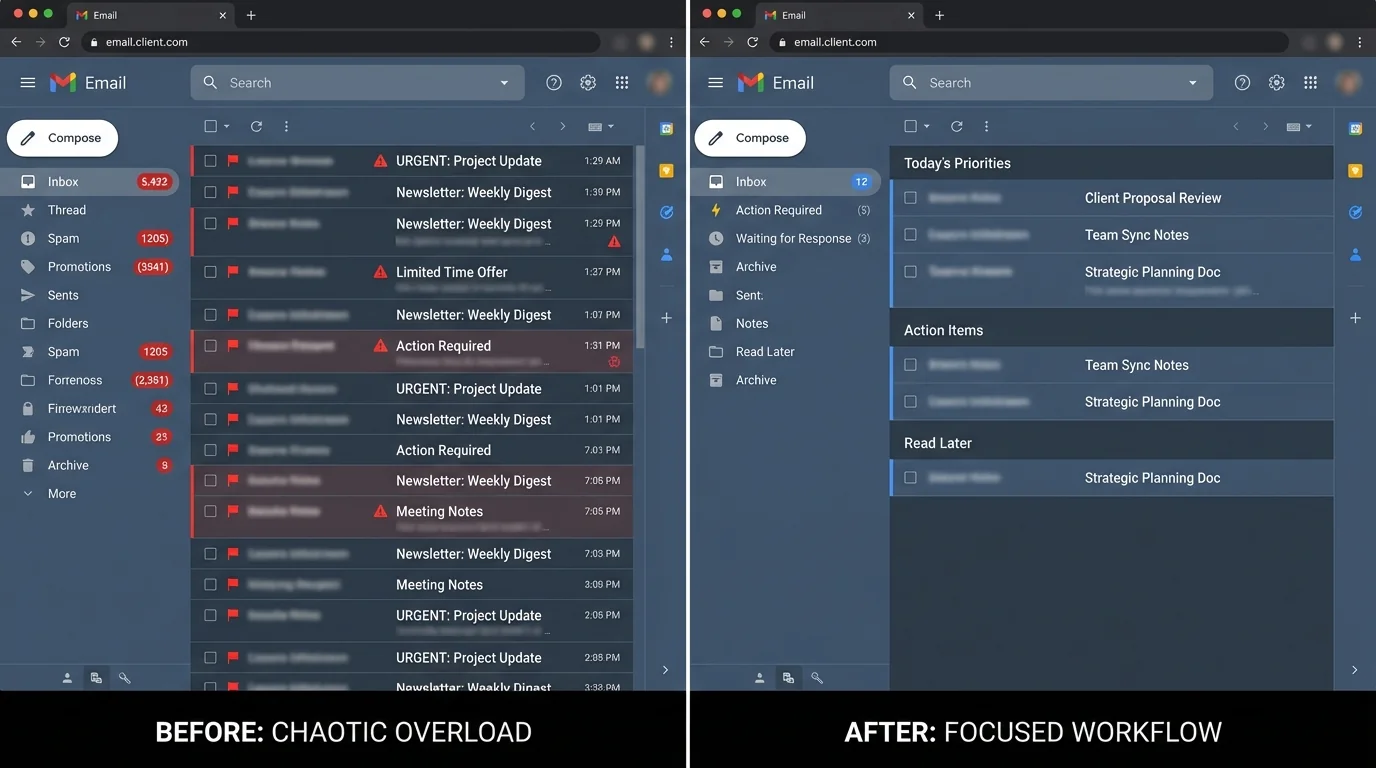
4. The solution is not better sorting
Most organizations fight email overload with methodologies that assume the inbox must remain open:
- blacklisting (block known bad senders)
- spam filtering (guess what’s bad)
- AI sorting (guess what’s important)
- unsubscribe tools (chase the inflow one sender at a time)
These can help at the margins, but they share a failure mode: they are reactive.
They try to clean up the mess after the interruption has already landed.
The inversion that works: strict allowlisting
KeepKnown’s philosophy is the inversion:
- Don’t try to identify every bad message.
- Only allow the known-good senders.
This is the “KeepKnown Protocol”: contact-first filtering.
Instead of forcing employees to constantly decide what to ignore, you change the system so unknown senders don’t get first-class access to attention.
What KeepKnown does (mechanism, grounded)
- API-based email filter (server-level; not a plugin)
- Moves emails from non-contacts to a dedicated label/folder: “KK:OUTSIDERS”
- Uses OAuth2, is CASA Tier 2, and uses encrypted hashes (no plaintext storage)
- Works with Google Workspace/Gmail and Outlook/Microsoft 365
More here: https://keepknown.com
How strict allowlisting maps directly to the cost categories
1) Time: fewer interruptions, fewer checks
If a major driver of constant checking is “what did I miss?”, then reducing unknown inbound reduces the compulsion to scan.
- You don’t need to triage strangers, vendors, and automated notifications in the same stream as customers and coworkers.
- The inbox becomes a trusted queue, not an anxiety feed.
Practical outcome: fewer scans, fewer micro-interruptions, fewer “quick peeks” that turn into 12 minutes.
2) Money: you stop paying salary for deletion
A large portion of email time is not mission-critical collaboration—it’s evaluation.
Strict allowlisting reduces the volume that requires evaluation by default. That means salary paid for:
- deleting
- scanning
- “mark as not important”
- mental bookkeeping
…is redirected toward actual output.
3) Mental health: reduce notification anxiety
Microsoft’s research highlights notification-driven checking as especially harmful. Allowlisting helps because the brain learns:
- “If it’s in my main inbox, it’s probably someone I actually need.”
Lower uncertainty reduces stress, which reduces the urge to compulsively check.
For more on the psychology angle, see KeepKnown’s analysis:
- Email Anxiety Symptoms: Why “Managing Your Inbox” Is Making You Worse
Why “open inbox + better rules” keeps failing
When volume is >100/day, even a 95% accurate sorting system still produces enough false positives/negatives to keep people scanning.
If 120 emails/day arrive and only 5% are mis-sorted, that’s 6 attention breaks/day just to verify what the algorithm got wrong—before you count the normal load.
This is why methodology matters more than features.
- Sorting tries to guess importance.
- Allowlisting defines access.
More on the methodology comparison:
- Best Email Filtering Methods Compared (and Why Strict Allow‑listing Wins)
- Spam Filters vs Allowlists Which Wins
5. What happens next
The trendlines in your compiled sources point to a workplace where communication load keeps rising:
- evening work expanding (evening meetings up ~16% YoY)
- messaging volume rising (Teams +6% YoY by 2025)
- inbox volume staying high (~117–121 emails/day)
If nothing changes
Expect three outcomes:
-
Productivity looks flat even as activity rises
More messages, more meetings, more “alignment,” less shipped work. -
Decision latency increases
Important emails sit in noisy inboxes, and response times become inconsistent. -
Burnout risk increases
Digital overload becomes chronic, not episodic.
With intervention: permission-based communication
Strict allowlisting is a structural fix because it changes the default:
- From: “Anyone can reach you, and you must sort it out.”
- To: “Only known senders reach your primary attention stream.”
That shift is how you turn email from a hidden tax into a controlled channel.
Operational next step (simple):
- Pilot strict allowlisting with one high-cost group (executives, sales, client success, recruiting).
- Measure baseline vs post-change:
- average daily inbox count
- average checks/day (self-report or device telemetry)
- response time to known senders
- after-hours email activity
If the goal is better work—not just a cleaner inbox—stop organizing the chaos and start screening it.
Related KeepKnown guidance:
- Stop Organizing Email Start Screening It