
Phishing attacks have gotten significantly more sophisticated in 2025, and protecting your Gmail account requires new strategies. Attackers now use Phishing-as-a-Service (PhaaS) kits, often employing AI to create more convincing and intricate scams. So, how do you stay one step ahead and ensure your Gmail account remains secure? Here are some effective strategies you can employ today.
Understand Phishing's New Face
In 2025, phishing has evolved beyond the classic email from a foreign prince. Attackers utilize advanced tactics like AI-enhanced content, malicious QR codes, and even bypass multi-factor authentication (MFA). PhaaS kits are now behind most phishing attempts, making it easier than ever for anyone to initiate sophisticated attacks.
It's critical to recognize that no platform is entirely safe. Attackers can exploit platforms you trust, including using Google's own infrastructure to make their phishing attempts appear legitimate. Recognizing these more subtle threats is your first line of defense.
Strengthen Your Email Authentication
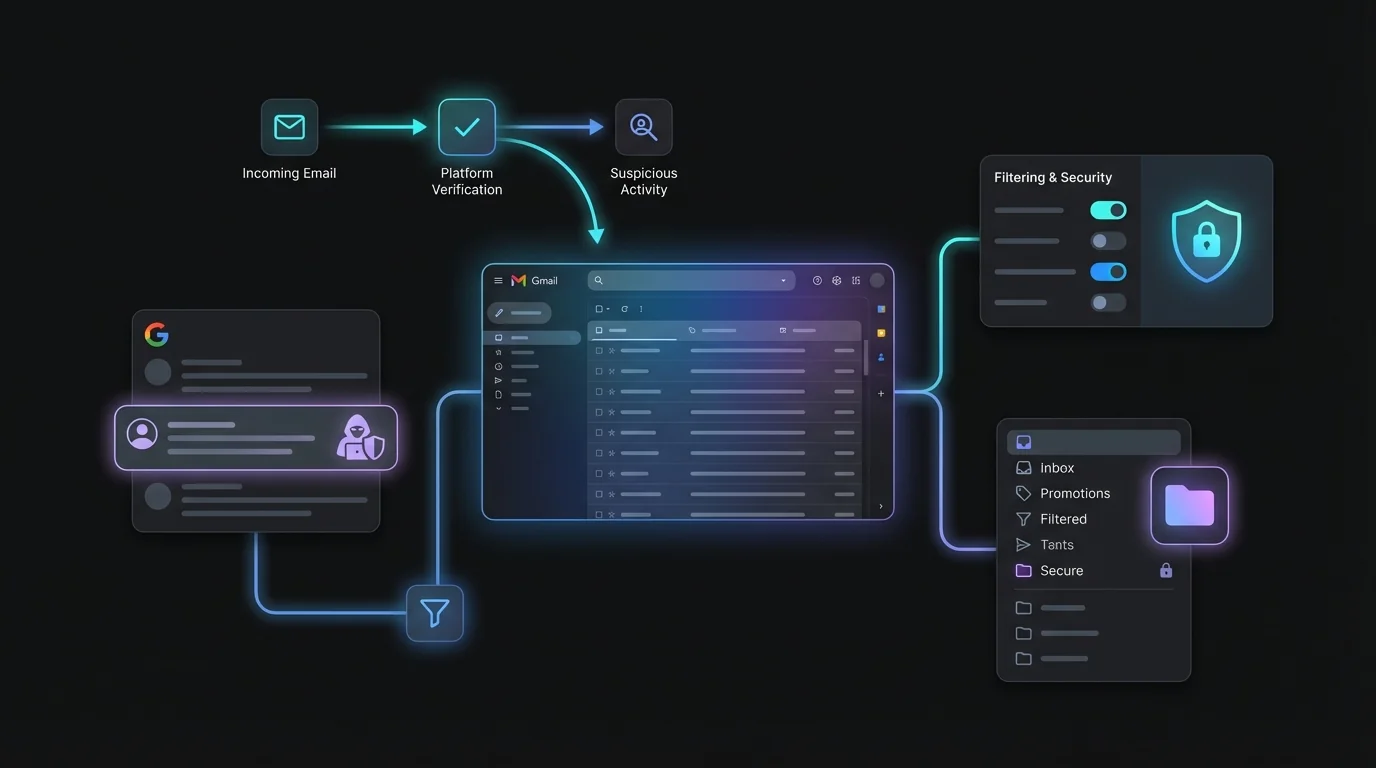
One of the most critical steps you can take is to enforce DMARC, DKIM, and SPF protocols for email authentication. Google has spearheaded initiatives to tighten these protocols, resulting in a significant decrease in unauthenticated emails.
This doesn't just protect your email, but it also sets a standard for any organization sending emails. By ensuring their emails are correctly authenticated, you can help reduce phishing threats across the board.
Implementing Advanced Filters
Integrating advanced filters within Gmail can also help keep threats at bay. By flagging and filtering suspicious emails before they reach your inbox, you reduce the risk of falling for a phishing scam. KeepKnown can assist by automatically filtering emails from unknown senders, allowing you to focus only on the emails you recognize.
Embrace Phishing-Resistant Multi-Factor Authentication
While MFA is an excellent defense, many phishing kits can bypass it. In 2025, strengthening your authentication involves using phishing-resistant methods. Hardware security keys or advanced biometrics can provide more robust security layers.
The Role of AI in Defense
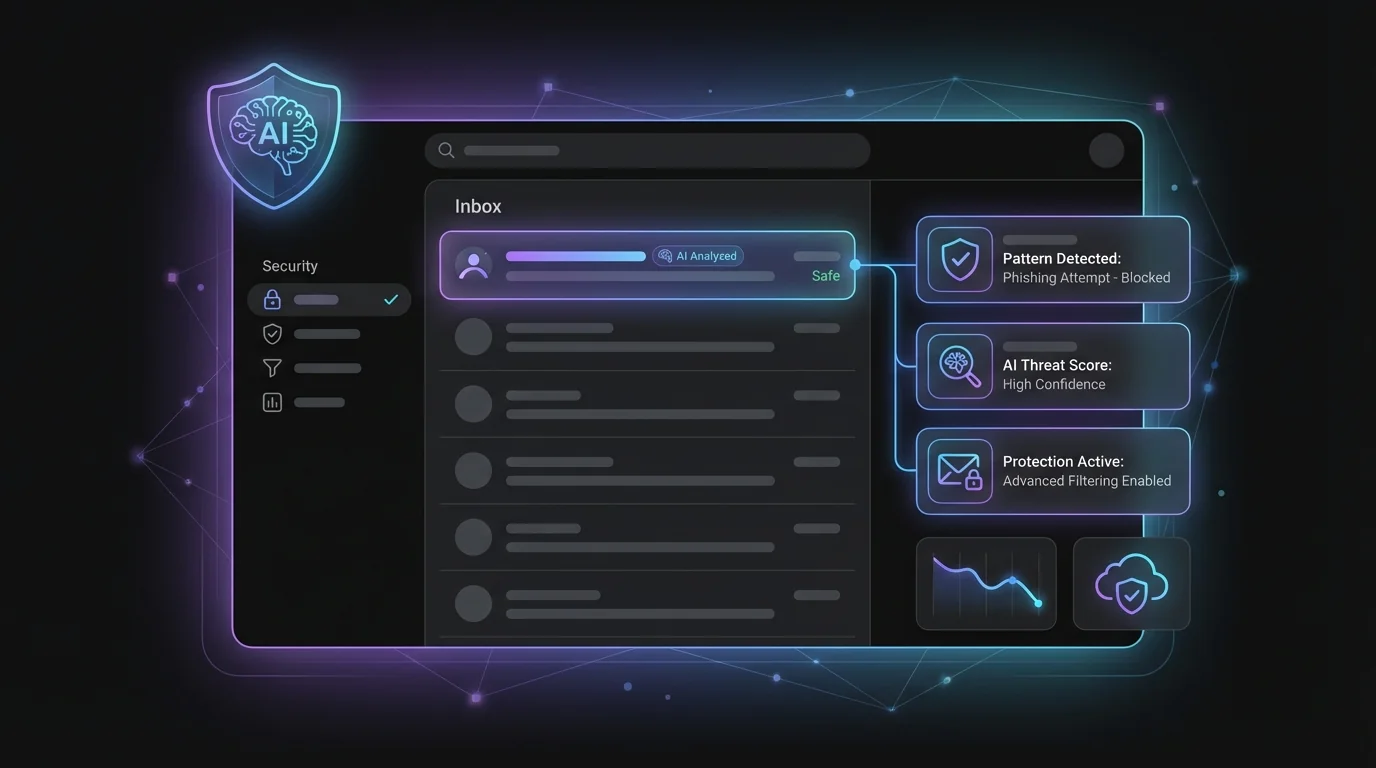
AI isn't just for attackers. It can also enhance your email defenses. By utilizing AI tools to analyze and flag suspicious patterns, Gmail can help identify potential threats more efficiently.
Vigilance and Education Remain Key
Even with all the technology at your disposal, your vigilance is vital. Education on new phishing tactics is crucial. Familiarize yourself and your organization with the latest tricks used by attackers. Spot-check any suspicious emails, especially if they urge immediate action or solicit sensitive information.
By staying informed and implementing these strategies, you make your Gmail environment far less inviting for phishers. Regularly updating your knowledge on phishing trends is as crucial as the latest technology.
Keep all these defenses up, and you'll be well-positioned to protect your digital life in 2025.
Conclusion
Phishing attacks may be evolving, but with the right strategies, you can keep your Gmail secure. Embrace multi-layered defenses, educate yourself continuously, and use tools like KeepKnown to filter out unfamiliar email threats. By doing this, you can focus on what truly matters and enjoy peace of mind in your online interactions.